
Search Waukesha County Court Docket
Waukesha County Court Docket records are supported by one of the larger county clerk systems in Wisconsin. The county handles a high volume of cases, multiple specialized divisions, and detailed copy fees, so it helps to start with WCCA and then move into the clerk office when you know which case you need. If you are working with civil, criminal, family, juvenile, or probate material, the fee rules can differ, and the office structure is broad enough that the exact record type matters. That makes Waukesha County a good place to be precise from the first search.
Waukesha County Court Docket Search
The clerk of courts is at the Waukesha County legal resources directory, which is the county-level source in the research set. The office itself is at 515 W. Moreland Blvd. in Waukesha, and the phone number is (262) 548-7484. That office is the place to start when a docket search turns into a copy request or a question about local procedures. Because Waukesha County is one of the busier courts in the state, the office details matter more than they do in smaller counties.
Wisconsin Circuit Court Access is still the fastest way to identify the case. Search by party name or case number, then use the county clerk office to confirm the file and ask about copies. Waukesha County's docket system is especially useful because the county handles a lot of case flow. The public portal helps you narrow the case, and the clerk helps you get the paper record or the fee answer that the docket itself does not show.
The county is also notable because it uses multiple specialized divisions and annual caseload rotation across twelve circuit court judges. That means a docket may be more useful when you already know the division or the branch style. The docket can tell you where the case lives, but the county's large structure means you should still confirm the exact record type before you request copies. That reduces back-and-forth and keeps you from paying for the wrong file.
Note: In Waukesha County, being exact about the record type can save both time and money.
Waukesha County Court Docket Fees
The research gives unusually specific copy fees for Waukesha County. Civil, criminal, family, and juvenile copies are $1.25 per page with $5 certified copies. Probate copies are $1 per page with $3 certified copies. The search fee is $5 for most records and $4 for probate. That is useful because it means the docket request cost can change based on the case type. A probate file is not priced the same way as a family file, and the county makes that difference explicit.
That fee detail matters when the docket leads you from a simple case check to a formal copy request. If you need a certified order for court, a probate document for an estate matter, or a page copy for your own file, the rate you pay depends on the record class. Waukesha County is one of the few places in the research set where the copy fee difference is worth highlighting in the body of the page because it is part of the local record process, not just the statewide baseline.
For the statewide framework, Wis. Stat. § 19.31 and SCR 72 still govern public access and retention. Those rules explain why Waukesha County can show the docket publicly while still requiring a proper fee for the copy. If you need help beyond records, the Director of State Courts office, the DOJ Crime Information Bureau, and the State Public Defender are the statewide resources in play.
Note: A probate search fee in Waukesha County is lower than the other standard search fee, so make sure you ask for the right case class.
Waukesha County Court Docket Structure
The county research says Waukesha has twelve circuit court judges, annual caseload rotation, and multiple specialized divisions. That tells you the county court system is broad and formal. It also tells you that the docket is not just a flat list of names and dates. It is a working record of a large courthouse operation. When you search Waukesha County Court Docket records, you are working with a file system that is meant to sort out high volume and multiple case types at once.
That matters for the public because a docket entry can be a judge assignment, a branch change, a division transfer, or a hearing date. If you are not sure which office has the record, the clerk office is still the right place to ask. The county's structure is large enough that the public should not assume the first branch they see is the only branch involved. It may just be the place the case landed first.
In a county this size, the docket is a map more than a summary. It helps you move from a name to a division, from a division to a file, and from a file to the proper copy request. That is what makes a large county docket useful.
Waukesha County Court Docket Images
The Waukesha County legal resources directory is the image source for this page. It is a county reference that fits the research because the local details are centered on the clerk office and county services.
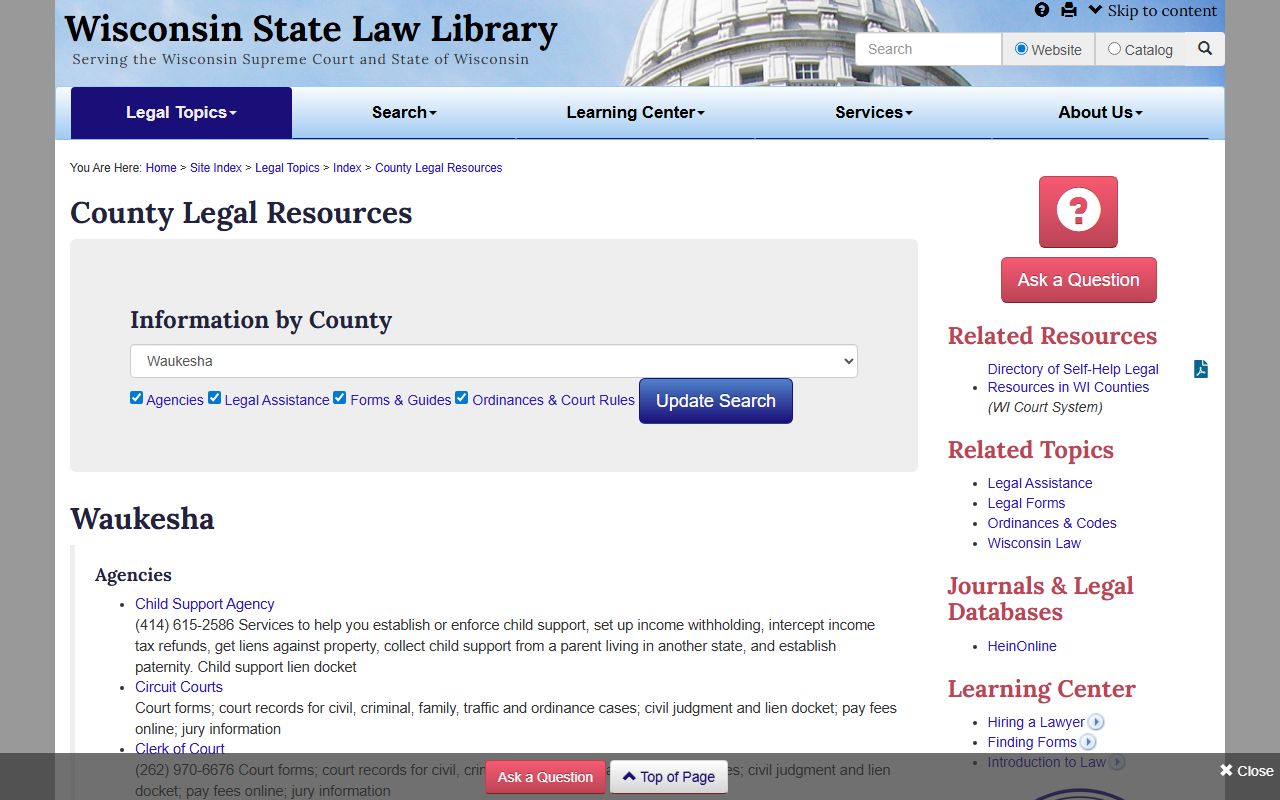
That image is a good anchor for a large county because it ties the docket search to the broader legal resource network.
Statewide Court Docket Rules
Waukesha County uses the statewide Wisconsin docket framework just like every other county outside Milwaukee. WCCA is the public starting point for the docket, and it helps narrow the case before you ask the clerk for copies. Because Waukesha County is large, the search step matters even more. It lets you identify the correct branch or division before you move into a fee-based request.
The public records policy in Wis. Stat. § 19.31 and the retention rules in SCR 72 explain why the docket itself is easy to find while some documents still require a clerk request. That is the same pattern used statewide. Once you understand it in Waukesha County, the same logic applies elsewhere in Wisconsin.
The practical rule is the same here as everywhere else. Search first, confirm the division, and then order the copy you need. Waukesha County just gives you more branches and more fee detail to keep track of.