
Search Outagamie County Court Docket
Outagamie County Court Docket records are useful when you want a fast read on a case and a clear path to the clerk office. The county keeps a busy circuit court calendar in Appleton, and the local phone menu makes it easier to reach the right part of the office once you know the case type. Start with the statewide docket portal for the case trail, then use the county contact numbers when you need a copy, a hearing update, or help sorting out the right division.
Outagamie County Overview
Outagamie County Court Docket Search
Use Wisconsin Circuit Court Access first. Outagamie County docket entries can be searched by party name, business name, or case number, and the portal shows the public record of filings, hearings, and case status. That gives you a clean first look at whether the matter is civil, criminal, family, probate, or traffic. If you only know one name, WCCA is still the best start because it lets you narrow the list before you call the county office.
The local clerk office is at 320 S. Walnut Street in Appleton, with the main number at (920) 832-5131. Research also lists a fax number, a record request line at (920) 832-5130, traffic at (920) 832-5653, and jury at (920) 832-5132. That menu matters because it tells you where to route a call once the docket search gives you a case type. If you already know whether the file is traffic, jury related, or a regular court record, you can save time by calling the correct line first.
The county resource page at Outagamie County legal resources is the official county link in the research and a useful place to verify the local office before you start asking for copies.
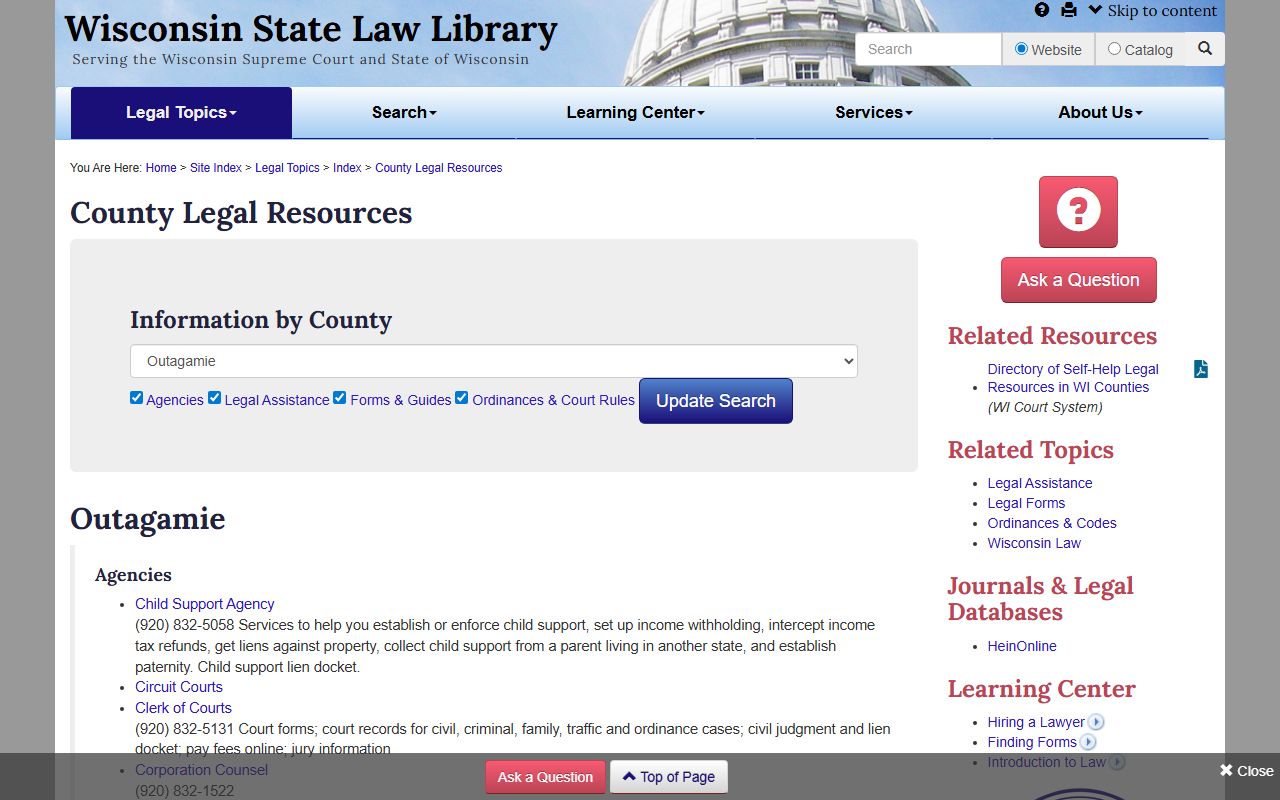
That local page gives you an official county reference point when you want the docket search and the clerk office to line up cleanly.
Outagamie County Clerk Office
Outagamie County Court Docket work usually runs through a busy clerk office, so using the phone menu helps. The county research gives separate numbers for records, traffic, and jury, which is a sign that the office expects people to route calls by issue. If your docket is for a traffic case, the traffic line may save time. If you need a copy or want to confirm a case number, the record request line is the better fit.
The Appleton office can also help you tell whether the record is on site or needs retrieval. That matters because the docket may show the case without telling you whether the paper file is ready. If you already found the case online, write down the branch, filing date, and party names before you call. That gives the clerk enough information to work with and keeps the search from drifting to a different person with a similar name.
Statewide rules still shape the file. Wis. Stat. 19.31 explains why public access is the rule, and SCR 72 explains how court records are maintained. Those rules help explain why WCCA can show a docket trail while the actual copy still has to come from the county office.
Outagamie County Court Docket Records
When the docket leads to a real copy request, the county office becomes the next step. Outagamie County Court Docket entries can point to civil judgments, family filings, traffic matters, or other records, but the document itself is still controlled by the clerk. If you need a certified copy, make that clear. If you only need a status check, the docket may already give you enough detail and save a trip.
For broader Wisconsin support, the Wisconsin State Public Defender is relevant when a criminal matter raises representation questions, and the Wisconsin Department of Justice Crime Information Bureau handles statewide criminal history information that is separate from the docket. Those offices do not replace the county file, but they help you understand how a record sits inside the larger court system.
Note: In Outagamie County, the clerk phone menu is part of the records path, not just a contact detail.
Outagamie County Record Requests
Use the county record request line when you are ready to ask for a copy. Keep the request precise, with the case number if you have it, the party name if you do not, and the document name if you know it. Because Outagamie County gives separate routing numbers, it helps to note whether you are asking about traffic, a regular civil file, or a jury matter before you call. That keeps the request fast and avoids an extra transfer.
Here is the short request plan:
- Search WCCA first.
- Call (920) 832-5130 for record requests.
- Use the traffic line if the docket is a traffic matter.
- Confirm whether you need a plain or certified copy.
- Keep the Appleton address in your notes for follow-up.
That process usually gets you from a docket entry to a usable record without extra back and forth.
Outagamie County's menu is helpful even after you have the docket result in hand. If the case is traffic, the traffic line can point you to the right desk faster than the general office number. If the file is a regular record request, the dedicated record line keeps the conversation focused on the copy you actually need.
Because the office is in Appleton, it is worth writing down the address and the direct request line together. If you later need a second copy or a certification update, you will already know which number matched the request you made the first time.